
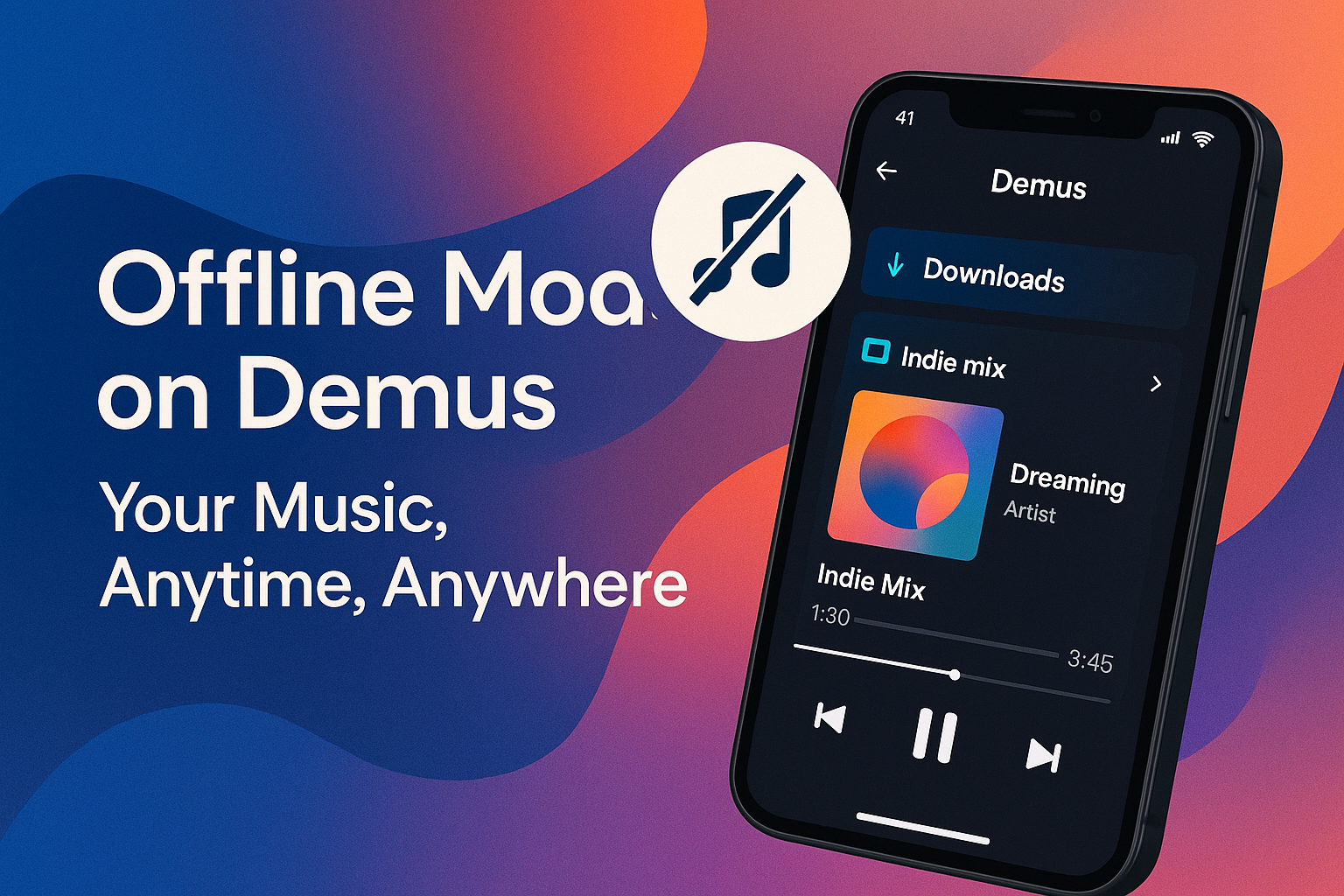
In a world where every app promises convenience but few deliver when the connection drops, Demus steps in with a feature that feels almost rebellious in 2025: Offline Mode. It is the kind of functionality that sounds simple – download a playlist, hit play, go offline – but too many music apps still treat it like an afterthought. Not Demus.
If you’ve ever stepped onto a subway platform with a playlist that suddenly refuses to load, or boarded a plane without paying for yet another overpriced Wi-Fi package, you already understand the value of a music app that does not crumble the moment your bars disappear. Offline Mode on Demus is built for exactly those moments, delivering a seamless listening experience whether you’re halfway up a mountain trail or stuck on a cross-country flight.
In this breakdown, we will explore what makes Offline Mode on Demus more than just a backup option. We will unpack how it works, where it shines, and why this increasingly rare feature elevates Demus in the crowded streaming landscape.
The Promise of Offline Music – Finally Done Right
Offline playback is hardly a new concept, but implementation matters. Some services limit the number of tracks you can download. Others compress songs so heavily that they sound like they’re being played through a tin can. And a few bury the feature under confusing menus or usage restrictions.
Demus takes the opposite approach: Offline Mode is treated as a core part of the listening experience, not a niche utility.
Your music, anytime, anywhere—even without a connection.
Whether you’re switching into airplane mode, passing through a dead zone, or simply saving mobile data, Demus keeps the audio flowing without interruptions, buffering, or surprise errors.
How Offline Mode Works
1. Choose What You Want to Download
With a single tap, you can download:
- Individual tracks
- Playlists
- Full albums
- Custom mixes curated by the app
Demus gives you complete control over what lives on your device.
2. Seamless Sync Across Devices
Download on your phone and continue listening on your tablet or laptop – Demus keeps your offline library synced within device limits.
3. Smart Downloads (Optional)
If enabled, Demus will automatically download your most-played tracks each week to keep your offline library fresh.
4. High-Fidelity Download Options
You choose the audio quality, from standard to high-fidelity. Demus preserves audio integrity even offline, making it a strong competitor to Apple Music and Tidal.
Why Offline Mode Matters More Than Ever
Dead Zones Still Exist
Rural highways, basements, stadiums, airports, trains—there are countless places where the signal still drops to zero.
Data Plans Haven’t Kept Up
As streaming quality improves, so does data usage. Offline Mode lets you enjoy high-quality audio without burning through your plan.
Travel Is Back
With international travel surging again, listeners need an app that works even when roaming becomes expensive or unavailable.
Predictable Performance
Offline playback is stable and consistent—no buffering, no lag, no surprises.
Ideal Use Cases for Offline Mode
1. Airplane Mode, Not Airplane Silence
Airline Wi-Fi is slow, expensive, and often unreliable. Offline Mode eliminates the need for it entirely.
2. Road Trips
Whether crossing deserts or mountains, offline tracks ensure your soundtrack never fades.
3. Subway or Metro Commutes
For underground commuters, Offline Mode ensures uninterrupted listening through tunnels and dead zones.
4. International Travel
Download before leaving home and forget about roaming fees.
5. Battery Savings
Offline playback uses fewer system resources, helping your battery last longer.
How to Use Offline Mode: A Quick Guide
Step 1: Find Your Music
Navigate to your desired track, playlist, or album.
Step 2: Tap “Download”
Each item features a small download icon. Tap once and Demus handles the rest in the background.
Step 3: Enable Offline Mode
Turn on Offline Mode in Settings to restrict the app to downloaded music only.
Step 4: Access Offline Library
Go to your library and select “Downloaded Music” to browse your offline collection.
Step 5: Enjoy Anywhere
Press play—no connection required.
Storage Management Made Easy
Storage Dashboard
Demus shows exactly how much space your offline downloads occupy.
Auto-Remove
If enabled, tracks you haven’t played recently are automatically removed to preserve storage.
Interrupted Downloads Resume Automatically
If your connection drops mid-download, Demus picks up exactly where it left off.
Quality Options
Switching to lower-quality downloads can free up significant storage.
Offline Mode vs. The Competition
| Feature | Demus | Spotify | Apple Music | YouTube Music |
|---|---|---|---|---|
| Unlimited offline downloads | ✔️ | ✔️ | ✔️ | ✔️ |
| Smart auto-downloads | ✔️ | ❌ | Limited | ❌ |
| High-fidelity offline audio | ✔️ | Limited | ✔️ | Limited |
| Multi-device sync | ✔️ | ✔️ | ❌ | ❌ |
| Offline-only mode | ✔️ | ✔️ | ✔️ | ✔️ |
| Transparent storage controls | ✔️ | ❌ | ✔️ | ❌ |
Demus does not just offer Offline Mode – it perfects it. Its implementation is polished, accessible, and built for real-world usage.
Security and Privacy When Offline
Demus safeguards your offline music with:
- Encrypted local files
- Secure device authentication
- Automatic background expiration checks
- No forced account re-verification while offline
That means your downloads are both portable and protected.
Demus brings reliability back to music streaming. Offline Mode is not just a checkbox – it is a thoughtfully engineered feature that stays dependable when you need it most.
From long trips to poor-signal zones, Demus makes it clear: your music should always be available. Whether online or off, Demus ensures your soundtrack never skips a beat.
If effortless offline access matters to you – and it should – Demus is one of the top music platforms to consider in 2025.